Dental marketing ideas that start with your website
Nine dental marketing ideas, starting with the website every other idea sends patients to.
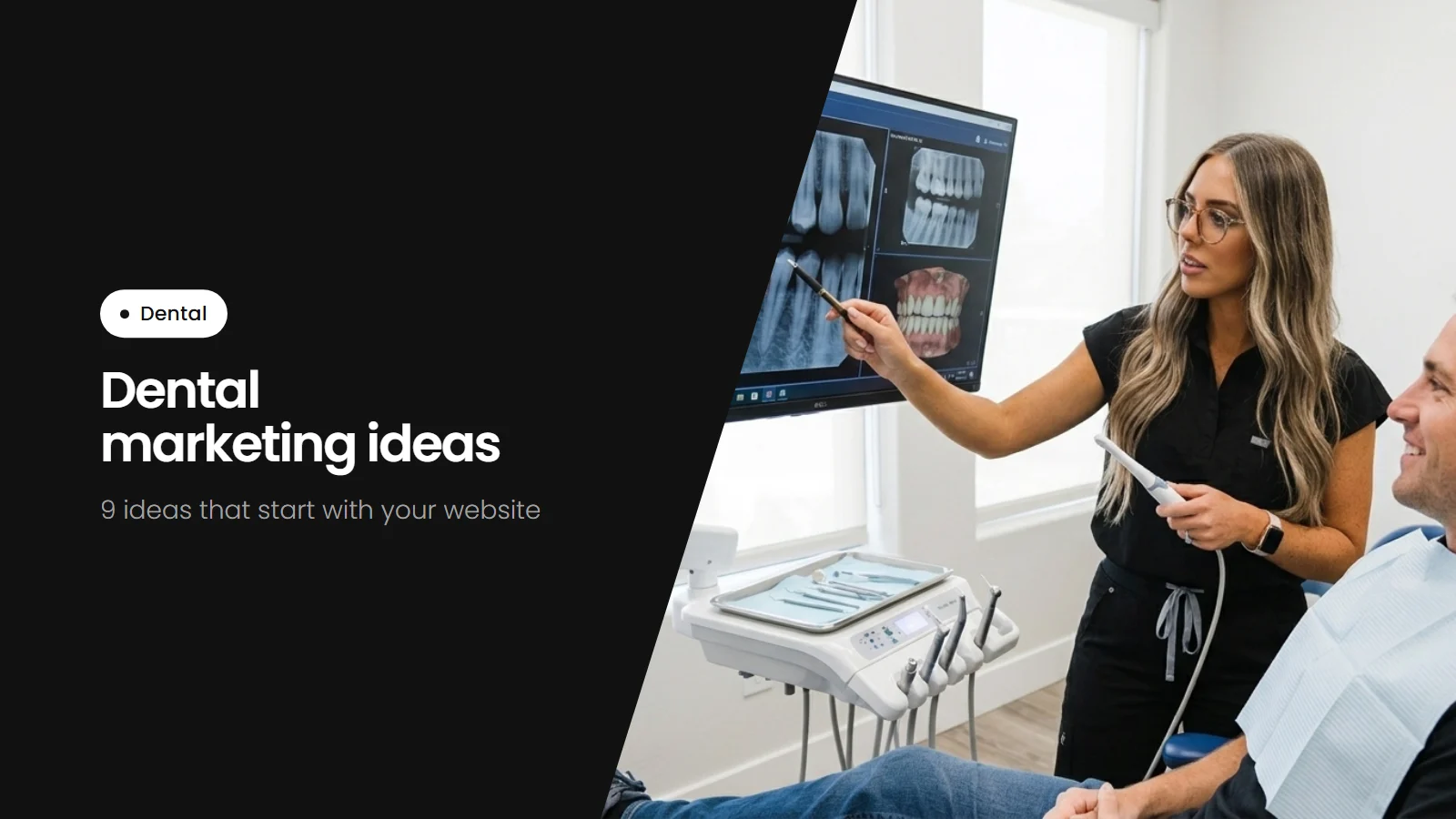
Most dental marketing sends people to the same place: your website. Whether a patient finds you through Google, an ad, a mailer or a neighbor, they'll look you up before they call. These marketing ideas start there, because every other idea works better once the website is ready.
1. Make booking one tap
Put a book button at the top of every page, and let it open real online booking where patients pick a time. Put the phone number beside it, and let patients text if your office can. Many patients look for a dentist during work hours, when calling is hard.
2. Answer the three big questions on the home page
New patients want to know if you're taking new patients, if you take their insurance and if you can see them soon. Answer all three right on the home page. If you see emergencies the same day, say so clearly.
3. Help patients without insurance
If you offer an in-house membership plan or payment options, explain them on the home page and give them their own page. Patients without dental insurance often search for exactly this.
4. Give each service its own page
Patients search for "dental implants near me", "teeth whitening" or "emergency dentist", not for "restorative dentistry". A page for each service, in plain words, helps them find you and helps Google show your practice for those searches.
5. Keep your Google Business Profile complete
The map of local dentists Google shows comes from Google Business Profiles. Keep your hours, phone number and website link current, list your services, and add real photos of your office and team. Post an update every few weeks.
6. Ask for reviews after every visit
Send a short text or email after each appointment with a direct link to leave a review. Reply to every review briefly, without mentioning anything about the patient's care.
7. Show the team and the office
Real photos of your dentists, hygienists and office make new patients more comfortable than stock photos. A short bio for each dentist and a few words about what a first visit is like help nervous patients book.
8. Make it easy for families
If you see children, give parents a page that explains what happens at a child's first visit, when to bring them in and how you help nervous kids. Parents book faster when they know what to expect.
9. Run ads only to pages that are ready
Search ads for things like "emergency dentist" or "Invisalign" can bring in patients quickly. Send each ad to the matching service page, not the home page, and start small so you can see which searches lead to bookings.
Where to start
- One-tap booking and the phone number on every page
- New patients, insurance and emergencies answered on the home page
- A page for every service
- A complete Google Business Profile
- Reviews after every visit
- Ads last, pointed at the matching page
For real examples, see The best dental websites. Our dental website designs come with these pages built in, and we tailor them to your practice, launch and keep them updated.